Recording a load: what actually happens at the gate
A three-minute walkthrough of a waste movement being received into a site and recorded for the 1 October 2026 deadline, then each step in writing so your gatehouse and office staff can see what they'll need to hand.
Put your speakers on — follow the load from arrival to its digital record.
Demonstration account with sample data. Recorded on our Defra-approved route; the record shown is sent to Defra's service and the tracking reference returned.
Six steps, one screen each
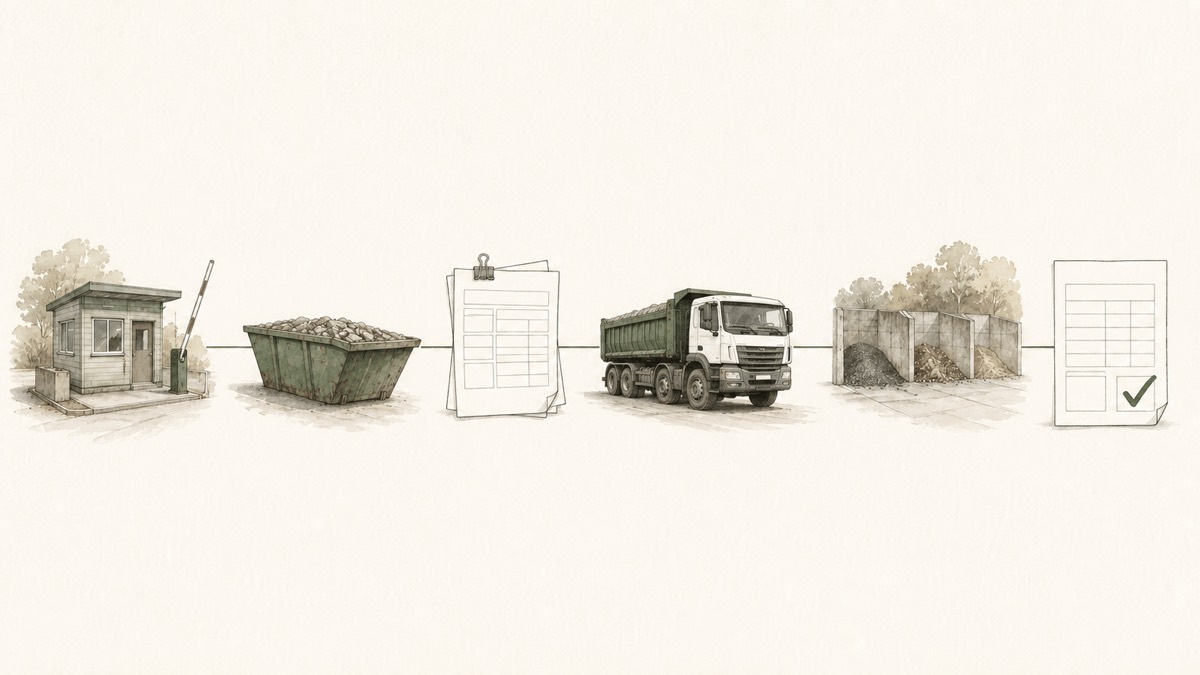
Much the same information as the paper transfer note, recorded digitally. Waste first, then the transporter, then the destination.
Two working days is not 48 hours. A Friday afternoon load has until the end of Tuesday. A Thursday load has until the end of Monday; leave it to Tuesday and it's late. Build the check into a routine rather than a memory.
Pick the site the waste is coming into
Select the receiving site for the load. If you operate more than one site, confirm during set-up how sites, permits and user access are separated.
Enter the waste
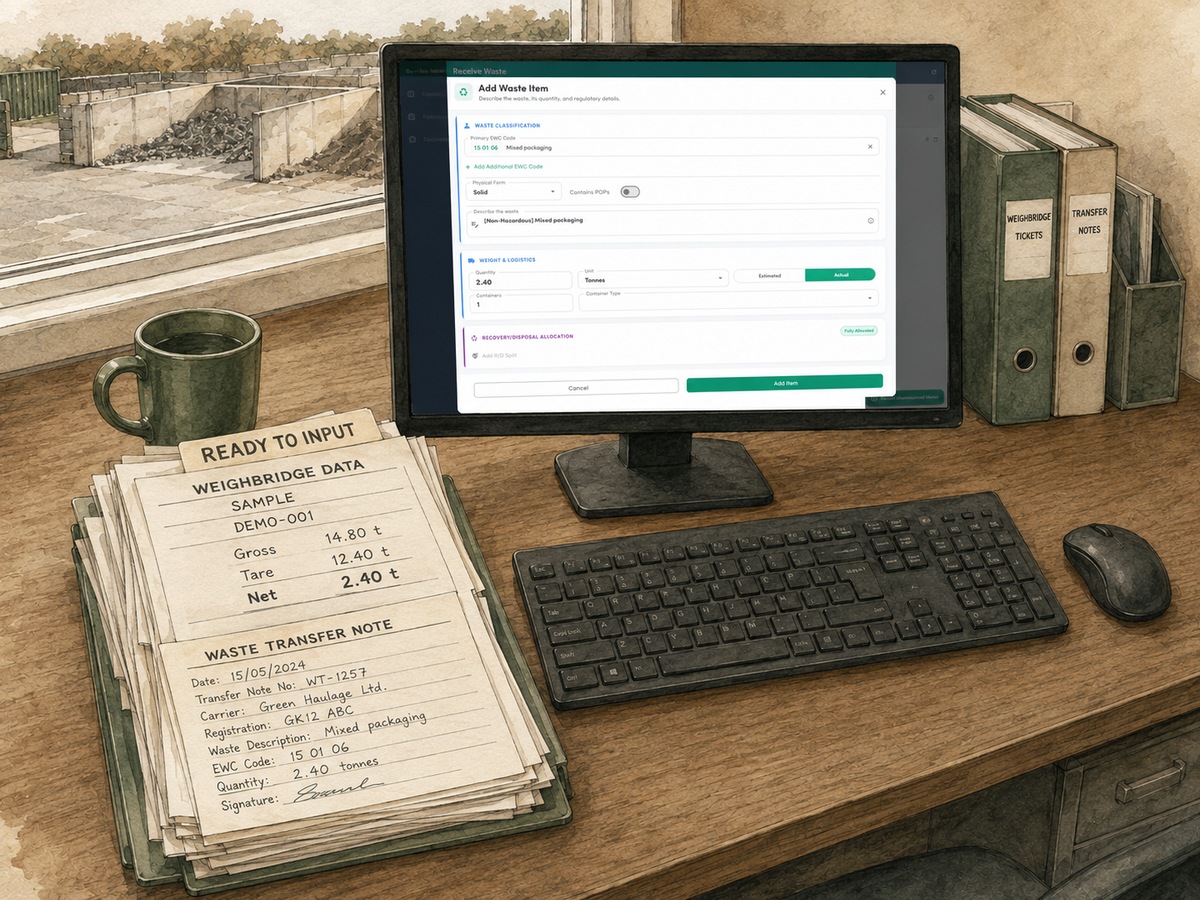
Search for the waste type by its six-digit code, or just type the description if you don't know the code. The official description fills in from the code. Then:
- physical form (solid, liquid, sludge, gas)
- whether it contains persistent organic pollutants (POPs)
- quantity in tonnes, as an actual weight if you weighed it or an estimate if you did not. Both are accepted. If you estimate, use a defensible method and mark the value as estimated.
- number and type of containers, a skip for instance
- the recovery or disposal code, R13 for storage pending recovery, and so on
Have ready: the codes and standard descriptions for the streams you take regularly, and your R and D codes.Add your own references
The paper transfer note that came in with the load is recorded here, along with the weighbridge ticket number if you have one. That means you can find the movement later on any reference you hold, yours or the carrier's.
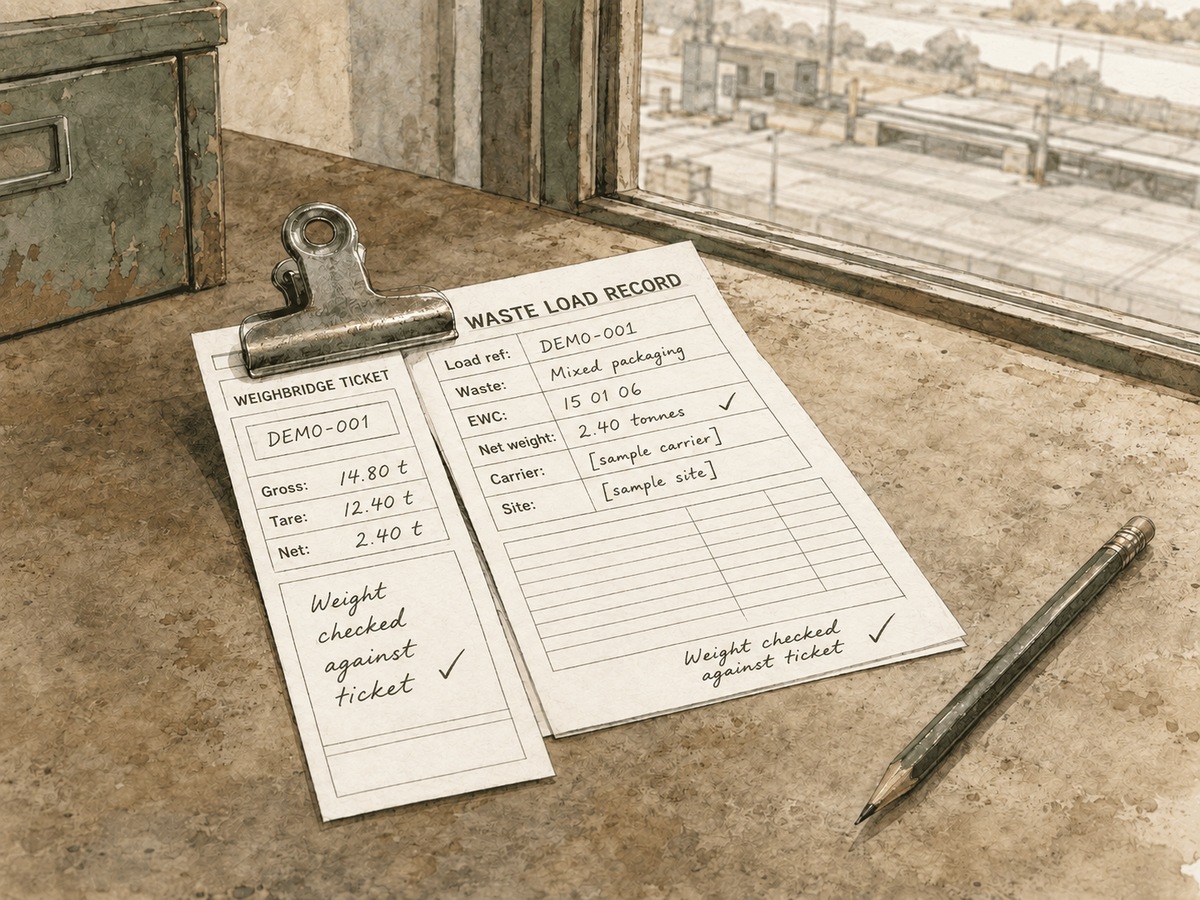
Figure 2. The transfer note and the weighbridge ticket are references for the same load. Have ready: a habit of writing the ticket and note numbers into the record while the vehicle is still on the bridge.The transporter
Was it your own vehicle or an external carrier? The demonstration shows an external carrier being searched by registration number, with its name, address, postcode and registration details returned. Check the current registration before relying on it.
Then record whether a broker was involved, how the waste travelled and the vehicle registration.
Have ready: the carrier registration numbers (CBDU or CBDL) of the carriers who deliver to you, and a note of which ones use a broker.The destination
In the current demonstration the selected site is already set up with its address and permit details, and the date defaults to today. Check those details before completing the movement.
Have ready: your permit or licence details exactly as the Environment Agency holds them, once, at set-up.Confirm and complete
The load is finished and you can see it's synced. The record has gone to Defra and the tracking reference comes back to it. In the completed movements list there's the summary, the detail, a green marker showing it's fully synced, and the tracking ID.
Need to amend something afterwards, a corrected weight say? Update the existing record using its tracking reference. Correct it as soon as practicable and within one month of becoming aware of the error; the service retains the change history.
That's all there is to recording a load and meeting the October deadline.
What a site needs to have ready
None of this is new information. It's information you already have, in five places, that now needs to be in one.
- Six-digit waste codes and agreed descriptions for every stream you accept regularly
- Your permit or licence details as the Environment Agency holds them, for every site
- Carrier registration numbers for the carriers who deliver to you, and their renewal dates
- How you weigh: a calibrated weighbridge, or an agreed estimation method for loads you don't weigh
- Who makes the record at the gate or in the office, and who covers when they're off
- Where the paper transfer note and weighbridge ticket numbers get entered, and by whom
- A routine that gets every record completed and checked within two working days
- A place your permit renewal dates live that isn't somebody's inbox
We do the set-up with you, not to you
The current IWS demonstration completes one example receipt in about three minutes once the set-up data is ready; your own workflow will vary. Our work is the data behind it: a readiness review, codes and registrations cleaned up, sites set up on our Defra-approved route, and representative loads tested alongside your staff.
After that it's permit renewals, changes to the streams you accept, and the questions a digital record throws up once you're live. How the set-up works.
Evidence of the Defra approval
Defra publishes its list of approved software providers. Happy to send you the reference so you can check it independently. Just ask.
IWS Permitting & Compliance
Your team: Nigel, Paul and Becky
Want help getting your site recording?
Tell us your organisation, the site and a telephone number and we'll be in touch.
Leave a recorded enquiry for the team.
We may hold your business contact details for compliance and marketing purposes. How we use your data.
Page last reviewed 5 September 2026.